
Heptabase - Learning and Research Partner
Definitely not just a notes app

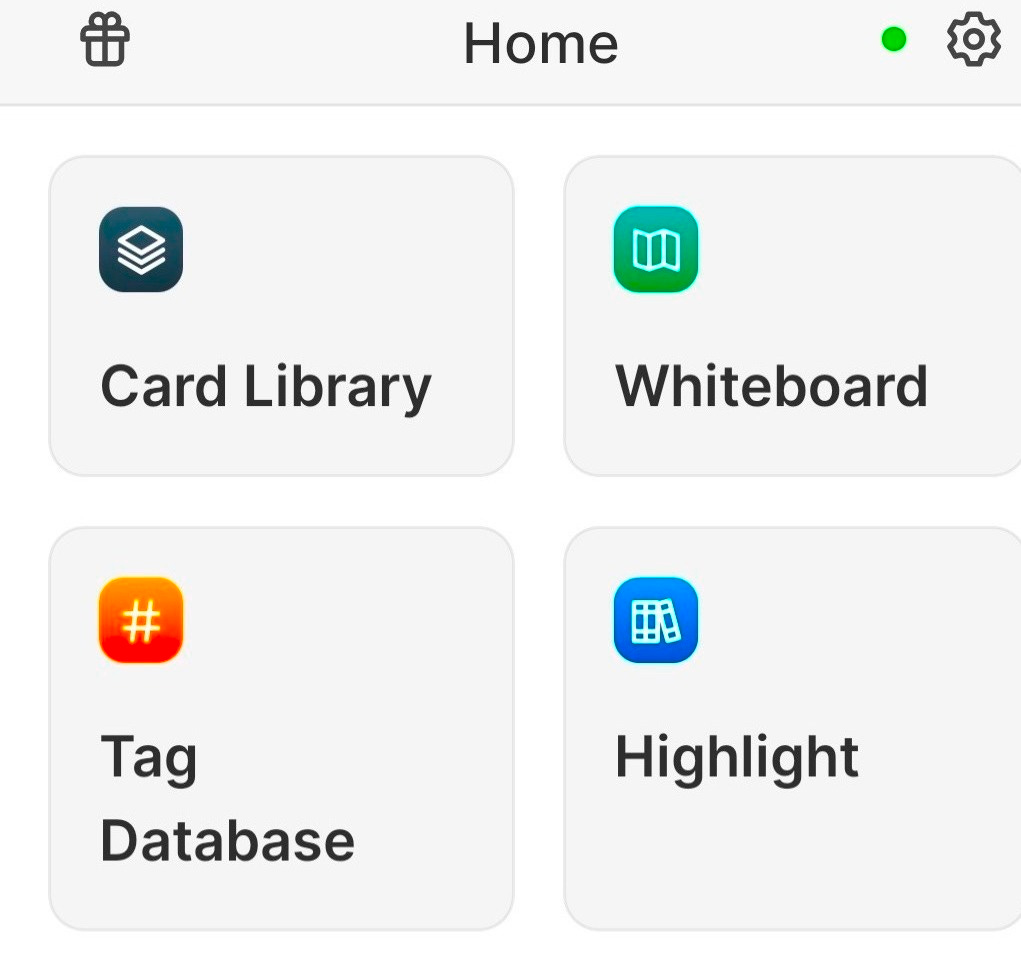
Heptabase is a notes app that’s much more than a notes app. That often means that a notes app wants to manage your calendar, manage your to-do list, or offer a wide array of collaboration tools for teams. Heptabase is quite different (although it does support real-time collaboration) - it’s an excellent, legitimate learning and research partner. If you’re a student or a person who embraces the idea of always be learning, Heptabase is well worth a look. This is how Heptabase is described on its home page:
Master anything you learn. Do your best research with AI.Heptabase is an intelligent, visual knowledge base built for students, researchers, and lifelong learners.
Here are some of the reasons why it’s worth considering if the learning and research partner capabilities are something that interests you when looking at notes apps:
Minimal Structure
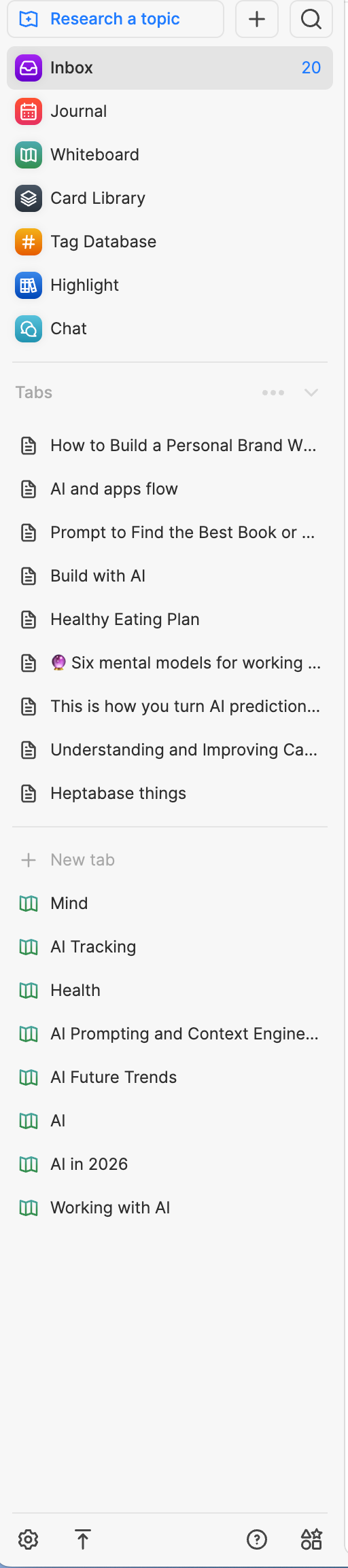
It’s a great fit for bottom up learning and feeling like there’s no need to create folders to organize your notes and thoughts. In the screenshot at the top of the post, you can see the home view on an Android phone. This is a little stripped down from the desktop or web app versions, but in a way where you really don’t feel like you’re missing anything, and that’s easy to use on a mobile app. Here’s my current sidebar in the desktop/web app, with just 9 items - for:
Starting on a research project - by just dragging and dropping files (supports PDF, DOCX, image, and text files (.md, .txt)
Inbox - where new notes and anything you add via Heptabase’s very nice web clipper land
Journal - calendar UI for daily journal entries
Whiteboard - where whiteboards you create live, and where you create a new whiteboards
Card Library - just about everything created in or added to Heptabase lives here
Tag Database - view your notes via the way you’ve tagged them
Highlight - which shows you highlights from Readwise (which imports your highlights in Kindle books and many other places) - if you enable the connection to it
Chat - your chat history when chatting with AI on your notes and whiteboards.
Tabs - that show recent and pinned cards - so this can be as long or short as you make it through pinning, unpinning, and opening and closing tabs
Whiteboards and “Chunkifying” notes
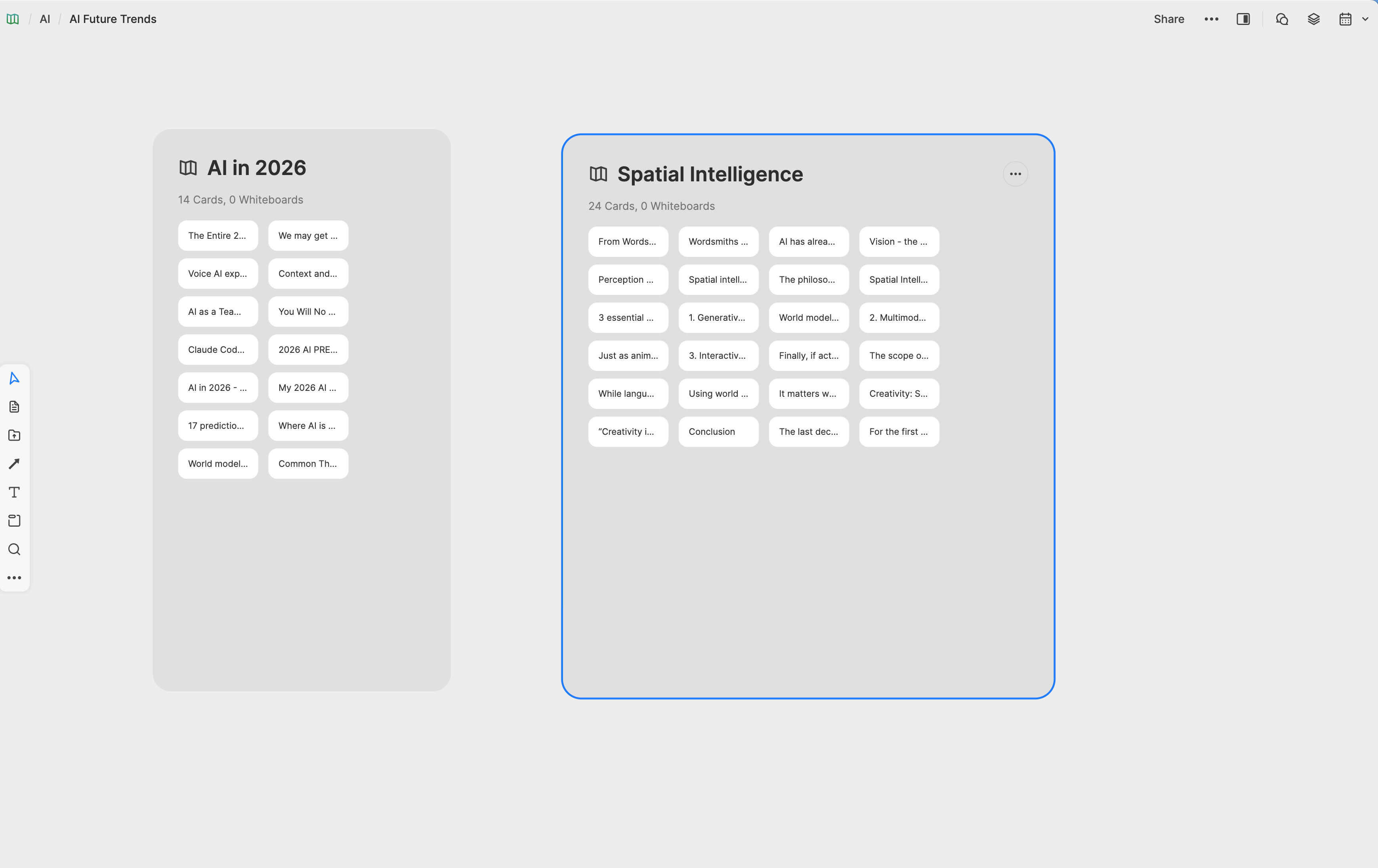
Whiteboards support visual learning and are the primary way of organizing your notes in Heptabase. The guidance is to use sub-whiteboards to organize further, but not to go beyond two sub-whiteboards,
I was skeptical about how much use I would get out of these, thinking I might mostly ignore them and just work out of the Card Library. Instead, I’ve found them really nice to work with. Even on my Android phone they’re still easy to work with and useful. Here’s my AI Future Trends whiteboard with its two sub-whiteboards for AI in 2026 and spatial intelligence:
And a Mind sub-whiteboard within a Life whiteboard:
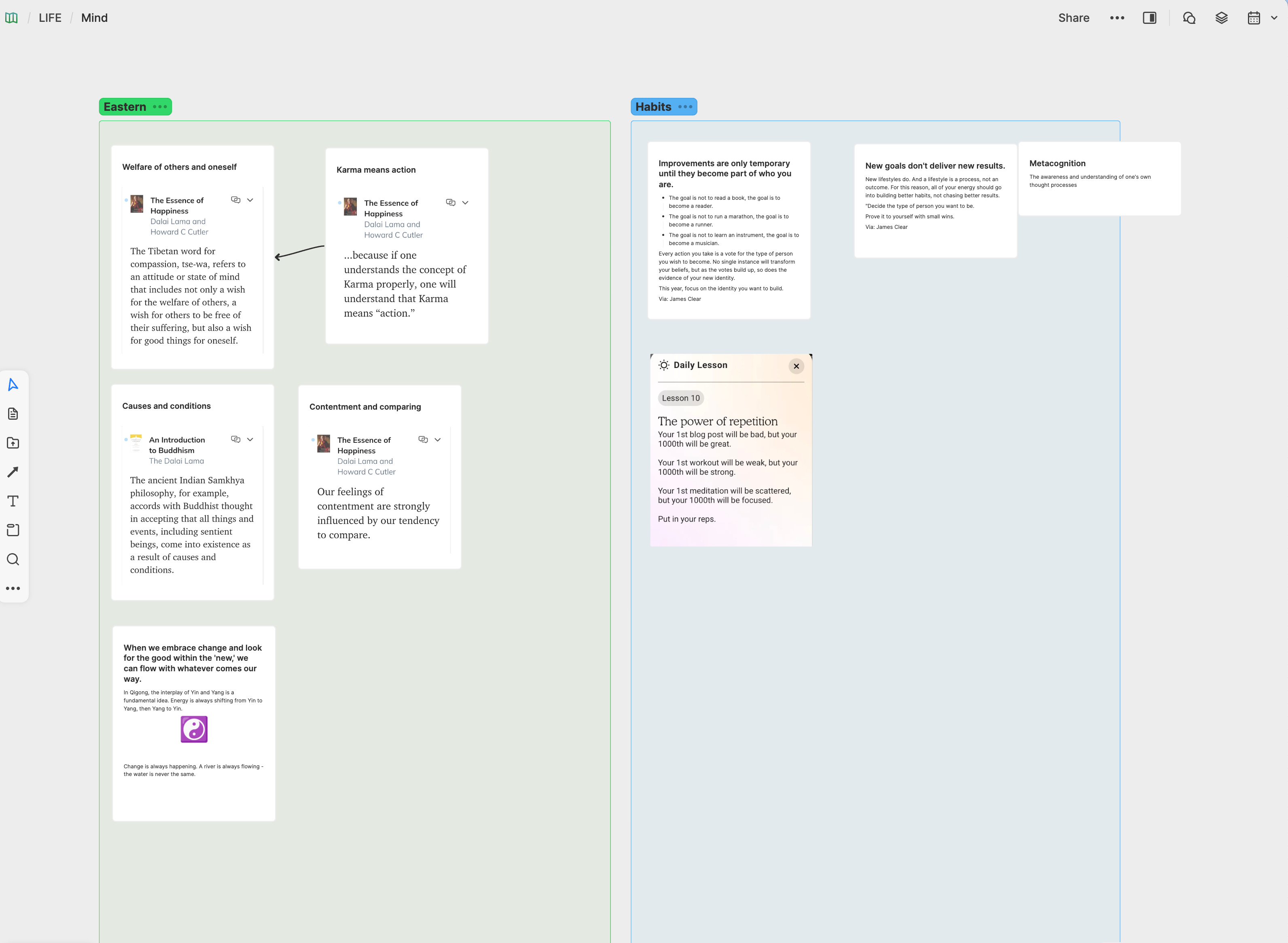
One of the best features of working with the notes in whiteboards is the ability to highlight a section of text within a note and then drag it out onto the whiteboard to create a new note. It’s a great way to carve out extra attention for that block of text. You can do this when you have a note opened in the side panel in a whiteboard. It’s one of quite a few nice options when you right click on a note.
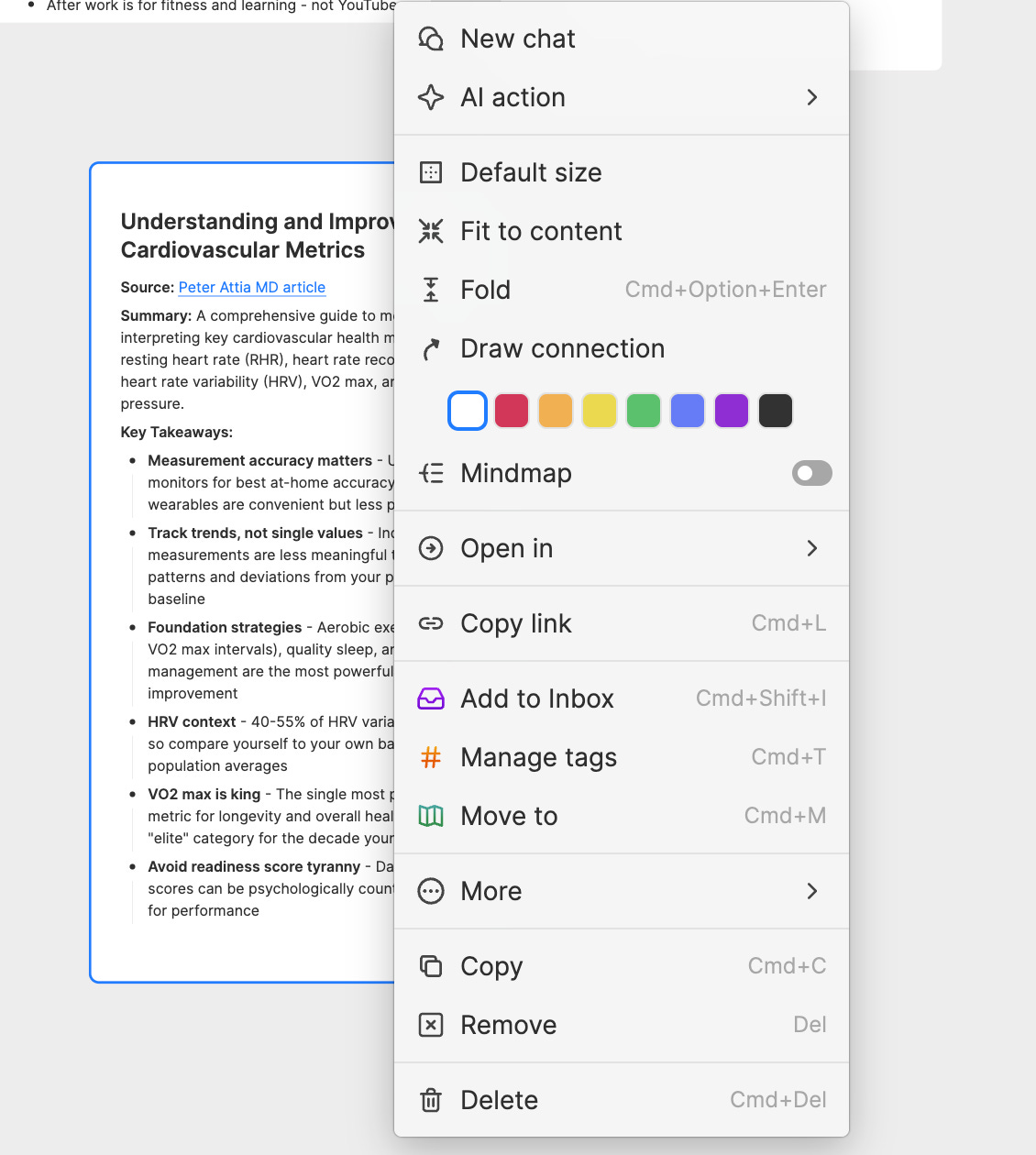
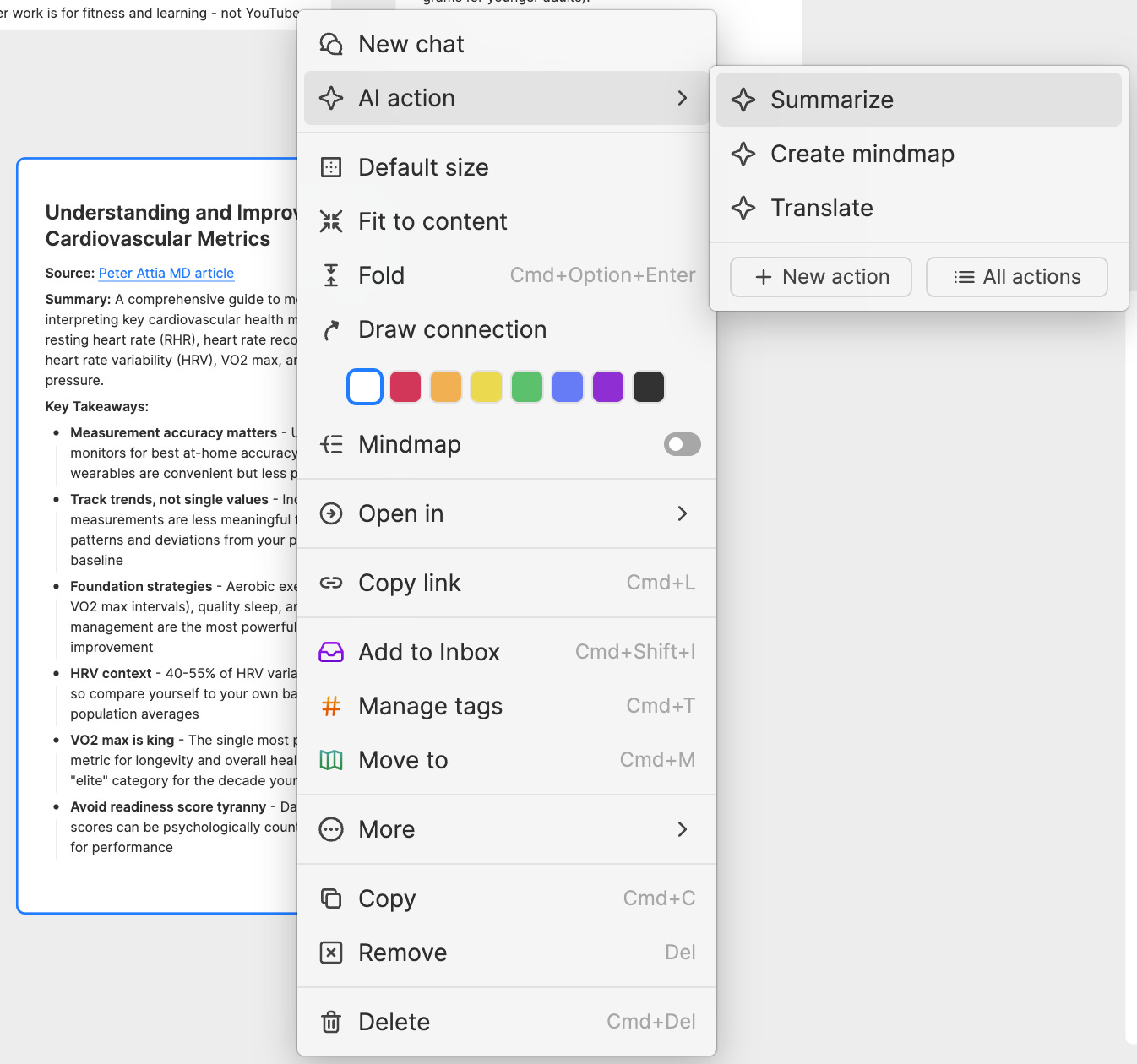
You can drill down further with a right click on the AI action item for a short menu of AI actions to take on our note.
Strong features, well implemented
I won’t try to list all of these here, but I think these are noteworthy:
Import from other leading note apps like Obsidian, Notion (partially), Roam Research and Logseq, and also .md, .txt, .docx and various media types including video and images - via direct import or the web clipper
Voice Notes - with speedy and accurate transcription - on the mobile apps
Offline access
Easy quick start research by uploading documents and asking AI to explain any sources you bring, and conduct research for you
A good lineup of AI models with the Pro subscription (mine seems to Gemini Flash, which is more than good enough, or access to the latest models - from OpenAI, Google Gemini, and Anthropic - and 10X the Pro limit via the Premium plan. Pro is $8.99 and Premium $17.99, billed yearly. Another option, which can save you some money if you already pay for a pro version of ChatGPT, Claude, or Gemini is Bring Your Own Key (the API key for any of those) which I’m currently doing with Gemini to get access to its latest, greatest models and deep research capabilities.
Chat History
A variety of quite good coaching/guidance resources - from emails from the founder and CEO of Heptabase right after you start a trial to articles and videos, an excellent wiki, and a gallery of whiteboards created by community members for inspiration
Security features. It’s missing end-to-end encryption, but otherwise solid: https://support.heptabase.com/en/articles/10448141-is-my-data-safe-in-heptabase
Both the desktop and mobile apps get frequent updates
A couple things to note about the mobile apps: They don’t include the AI chat with your notes and the recent and pinned tab items don’t sync between desktop and mobile.
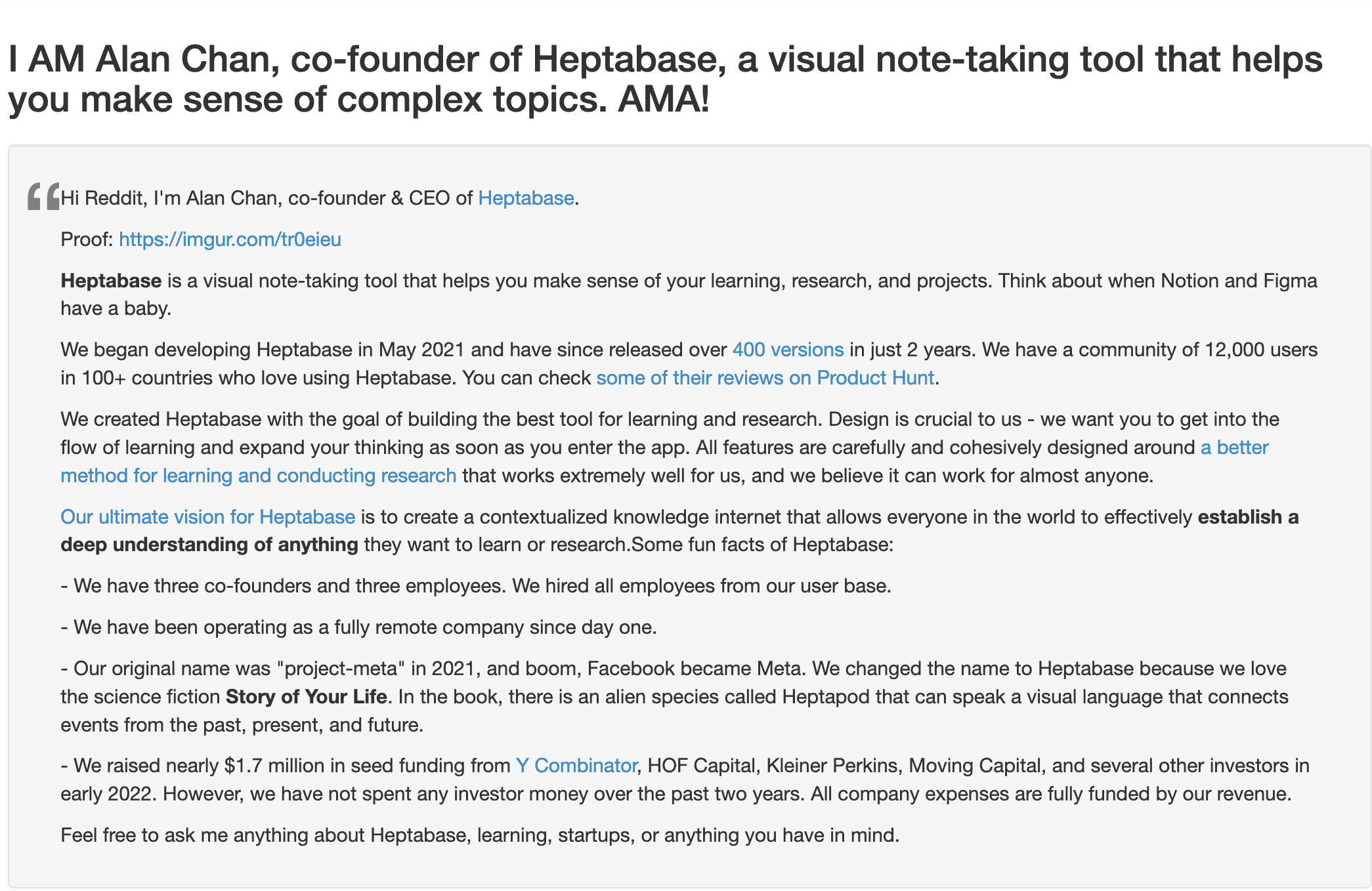
Just in case you’re curious about the origins of the Heptabase name, like I was, here’s a rundown of how it was chosen:
I’m always looking for apps like this one that help me learn and also always up for hearing about apps and methods that you’re using for the same - so please share in the comments if you have a moment.